
FILE TRANSFER WORKFLOWS

Business file transfer workflows.
From delivery to the next action.

Design repeatable file exchanges around the schedule, destination and business response your operation needs.

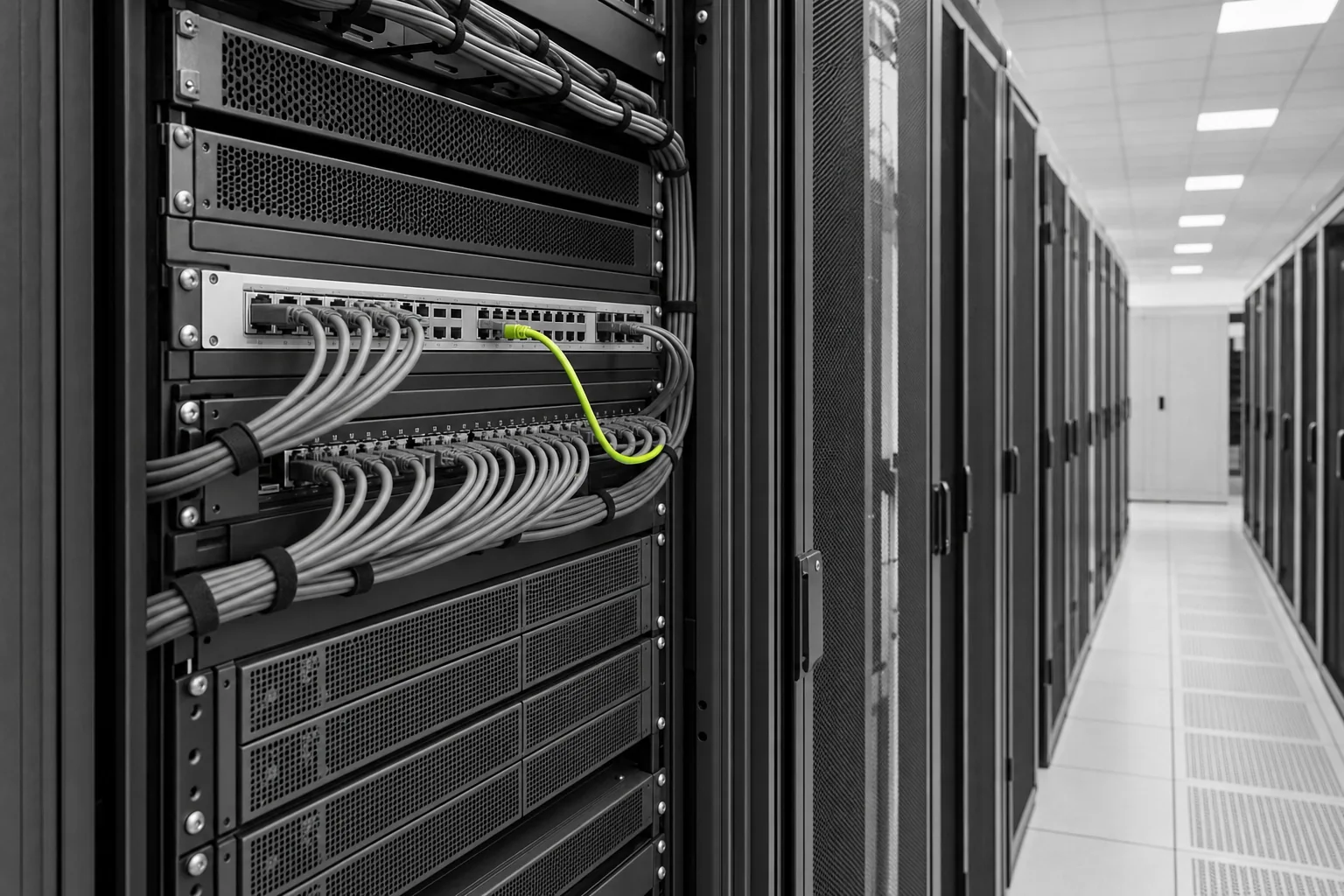
Illustrative business infrastructure with organized server connectionsSAME DATA. FURTHER GOOD.
01 / THE WORKFLOW

Automation starts with a complete rule.

A folder or endpoint does not explain when a file is ready, how to recognize a repeated delivery or what should happen if the recipient is unavailable. Define the start condition, the handoff and the operational response as a single workflow.


Illustrative enterprise data operations workspace
Make the information useful to the team.
02 / THE WORKFLOW

Design the ordinary path and the exception.

For a daily supplier exchange, specify when the file is expected and what evidence confirms its arrival. Then define the response to a late file, an incomplete transfer or a repeated business document. Scheduling, retries and alerts are implementation requirements to agree for the selected environment.

  1. 01

    Trigger

    A schedule, a source event or an approved operator action.

  2. 02

    Handoff

    The endpoint, file contract and evidence of delivery.

  3. 03

    Next action

    Application processing, business acceptance or a review queue.

03 / THE WORKFLOW

Keep business duplication separate from transport retries.

Delivering a file again may help recover a failed connection, but it must not create the same order twice. Use the agreed business identifier and receiving-system behavior to define safe reprocessing. Make the owner of that decision visible to both technical and operations teams.

Illustrative purchase-order and shipping documents prepared for review
The business task behind the document.
LET’S CONNECT

Bring your workflow.
Let’s find the connection.

Your systems. Your partners. The task you need to complete.

Discuss your workflow